
🔓 NothingRamdisk
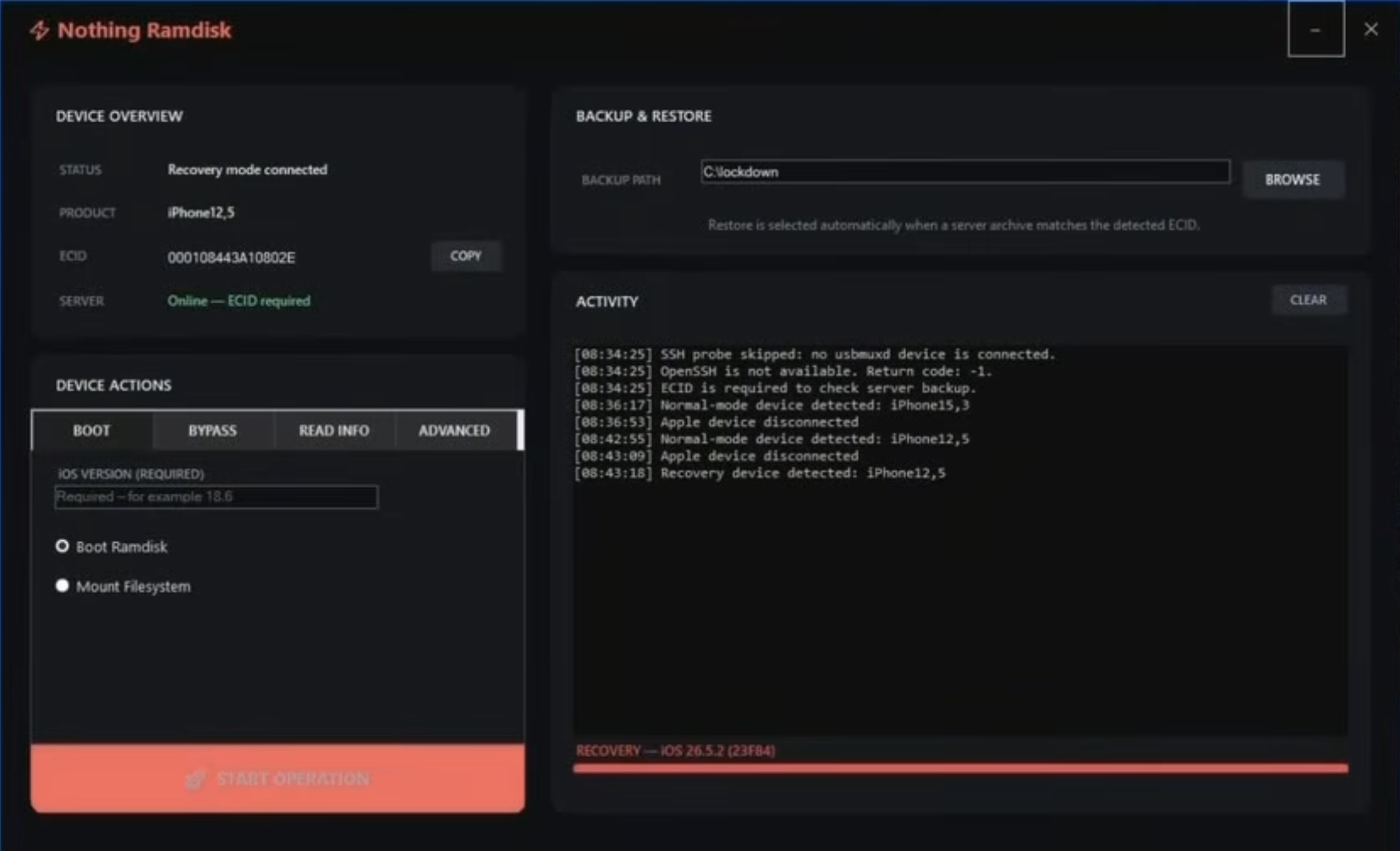
NothingRamdisk provides a iCloud lock bypass for A12/A13 iPhones, restoring functionality to your iOS device. Our tool activates in minutes and is designed for ease of use. You will need the USBLiter8 adapter for this to work.
⚠️ Required Hardware – RP2350 USB Adapter
This tool requires an RP2350-based USB adapter (such as Waveshare RP2350 USB-A, Waveshare RP2350 Zero, Pimoroni TINY2350, or Raspberry Pi Pico 2) to function.
Without the correct RP2350 adapter the tool will not work.
No refunds will be issued if you do not have the required adapter.
2K+
Active Repair Shops
8K+
Successful Bypasses
2-5 min
Avg. Activation Time
100%
Success Rate
Key Capabilities
Essential features for effective device management
Full Device Access
Bypass iCloud Lock enable unrestricted use and configuration.
Biometric Authentication
Restore Face ID and Touch ID for secure device unlocking.
Messaging & Calls
Enable iMessage and FaceTime for seamless communication. SIM is NOT supported.
App Store Integration
Gain complete access to the App Store and third-party applications.
Persistent Solution
Maintain access after restarts without re-intervention.
iCloud Services
They DO work! And App Store to download apps.
Activation Process
Complete setup in three straightforward steps
Get the RP2350 Adapter
You must have a supported RP2350 USB adapter (Waveshare RP2350 USB-A recommended). Without it the tool cannot work.
Download, Install & Register
Download the Windows tool, connect your device, and complete the $14.99 one-time registration.
Apply Bypass
Use the RP2350 adapter + tool to remove restrictions in minutes.
Important: The tool will not function without a compatible RP2350-based USB adapter. Purchases made without the required hardware are non-refundable.
Device Compatibility
Support iOS 18.0-18.7.9
26.0-26.6!


iOS 18 to 26.6 • iPhone, iPad, iPod touch
Comprehensive support for models from iPhone XR-XS-XS Max-SE 2nd Gen to iPhone 11, 11 Pro & 11 Pro Max.

Supported Models:
- iPhone Series (ONLY FOR iPhone XR-XS-XS Max-SE 2nd Gen to iPhone 11, 11 Pro & 11 Pro Max.)
- iPad Series (No iPad support currently.)
You need to have this adapter or similar board that supports USBLiter8 exploit. This is needed to PWN the iOS device into a vulnerable state to activate it. It's a little bit of work with this method but if you're up for the challenge, this ones for you.
Download USBLiter8 Flashable Firmware
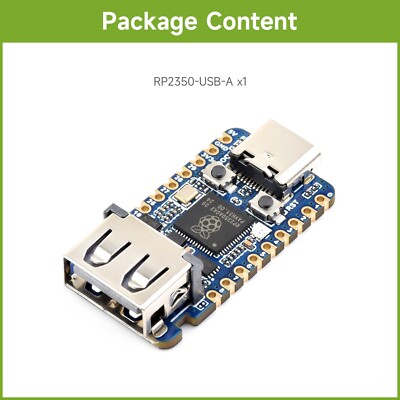
Step 1. How to load USBLiter8 firmware onto your development board to prepare iOS device for bypass
Step 2. How to apply USBliter8 exploit board onto your iPhone to finish bypass
Get Your License
Say Goodbye to iCloud Lock — Register your device below.
Reminder: An RP2350 USB adapter is required. The tool will not work without it and no refund will be provided.
Risk-Free Guarantee
Established Reliability - Developed and refined since 2020 for iOS professionals
Cost-Effective - $9 one-time fee for permanent device access
Efficient Activation - Processed in 10 SECONDS, with tool execution in minutes
Professional Support - Available via email: mrcreator1software@gmail.com
Hardware Requirement - An RP2350 USB adapter is mandatory. No refunds will be issued if the required adapter is not used.